
Computer Repair & Upgrades
Computer Repair in 2026
Storage is the Key. There are still a lot of 2010-era and beyond Macs and Windows PCs out there hoping for a little more life in their logic boards.Replacing old hard drives with SATA SSDs once gave them a big speed boost. Around 2016, systems shifted to faster PCIe-based M.2 NVMe storage, which is now standard. Some modern devices—especially Apple’s—have soldered storage that can’t be upgraded internally, requiring external SSDs instead. But if your system supports SATA or M.2 NVMe, you still have upgrade options that I can help you with to make your computer fast again.
Faster WiFi, Ethernet Repairs & Upgrades: WiFi is the signal that carries our bits and bytes out into the ether and connects us with jobs, school and needed services. There are new faster and more effective and reliable options like Mesh WiFi routers to extend your WiFi and Ethernet to all rooms in your home or business. Give me a call and I can get your network running faster and more reliably.
About Me
Tech Support for your Technical Difficulties
If you want to get the most out of today's complex and powerful devices you almost have to be a techie. But that's why I'm here. I diagnose and fix computers. I can help you secure your devices from hackers and backup your precious data which is the real value in these devices. I also can help you update your computer to be as fast and as powerful as it can be.
Recent REPAIRS:

Recent work:
- Set up Google SEO Web Analytics tool on Pre-K website I maintain.
- HP Envy Printer no print on WiFi. Reinstall Win11 & add USB-A wire.
- Failed Time Machine external drive, tested power supply & replaced.
- HP x360 Laptop Upgrade to 1TB SSD & Restore Win11 & Accounts
- Mid-2020 Intel 13” MacBook Pro Battery Replacement
- Outside bldg wired W/Ethernet has no signal; failed switch replaced
- '15 MacBook Air no-boot, new thermal paste & bigger SSD/MacOS
- ASUS Rog G16 Laptop No-Boot & BSOD. Restored Win11 & data.
- Moved user account from old Lenovo Yoga to new 14" Yoga.
- Installed Windows 11 on ineligible MS Surface Pro 4 & all user data
- Pulled SSD from non-booting Lenovo Ideapad 3 to backup data
- Upgraded Dell Precision 3551 to 1TB to increase usable data space
- Upgraded aging 2012 iMac to macOS Ventura using legacy patcher
- Success unlocking MDM locked m1 MacBook Pro using bypass tool
- Installed Linux Gaming OS Nobara on custom PC W/Steam games
- Moved data from an damaged Microsoft Surface to an ASUS refurb
- Restored an ailing Dell XPS 13" laptop with a new SSD & Win 11
- Replaced old, slow 27 inch iMac's Fusion drive with M.2 NVME SSD
- Hard reset a Lenovo Slim Pro 7 to fix no display issue
- Install Google Fiber & repair damaged ethernet to extend WiFi
- Replaced failed logic board on HP Pavilion x360 & added RAM
- Replaced non-working keyboard on Dell Latitude 5289 2-in-1 PC
- Upgraded 2017 iMac using M.2 NVME to replace old Fusion Drive
- Restored small biz server swapping SSDs into backup PC
- Replaced logic board on non-booting HP Pavilion x360 convertible
- Fixed crashing gaming ASUS ROG Mobo W/edit to Nvidia settings
- Mac Mini M4 setup & added 1TB external SSD for user Home Folder.
- Put Sequoia on 2014 MacBook Pro with OpenCore Legacy Patcher
- Installed new refurbished Windows 11 PC & moved all files
- Replaced broken LCD in 2022 M2 MacBook Pro 13-inch laptop
- Replaced broken hinge mount/lid for HP Envy X360 laptop
- Installed four Eufycam 2C WiFi cams around house & connected
- Installed wired video doorbell & connected to LAN & iPhones
- Restored pre-K's failed Wordpress website, now up and working
- Upgraded Brother printer firmware to fix Airprint not working.
- Upgrade 2011 iMac to Catalina & added temp sensor for cooling fix
- Improved Arlo camera connection/signal with added router.
- Xfinity TV issues, tested & referred X to replace R6 connector
- Upgrade 2013-27 inch iMac W/Samsung SSD add RAM & MacOS.
- Upgrade 2015 21.5” iMac HDD to Samsung SSD install MacOS 12.7
- Replaced cracked display on 2020 Intel MacBook Pro
- Setup remote access for office files via Chrome Remote Desktop
- Upgraded 4 School iMacs to SSD drives for 5-9X faster operations.
- Replaced damaged LED/Lid Assembly on M2 MacBook Air 2022.
- Transferred Windows 11 account to new Lenovo Flex 2-in-1.
- Restored boot and touchscreen function on Lenovo Ideapad Flex
- Replaced damaged LED/Lid Assy. on M1 MacBook Air Late 2020
- Upgraded Lenovo B50-30 AIO Desktop PC to SSD for 5X speed.
- Installed new Brother Laser Network Printer @Pre-K Office
- Setup new Xfinity user-owned modem & Linksys router in home
- Repaired a 2015 MacBook Pro with wine spilled inside.
- Upgraded Dell XPS 8910 with new Samsung SSD, runs like new PC.
- No boot past MSI Logo. Replaced M.2 SSD in MSI MS-16V4 Laptop.
- Consulted on backup & data recovery for a digital videographer.
- Fixed TV installed by store geeks to work w/all owner boxes
- Finished setup for a gaming PC with stuck updates and no video.
- Replaced broken ASUS Q502la laptop display digitizer and webcam.
- Upgraded '17 27 inch iMac W/SSD to fix slow speeds, runs like new
- Replaced keyboard on 2015 MacBook, battery & update to Monterey.
- Replaced dead SSD in ASUS Zenbook & added dual-boot Linux.
- Replaced logic board and power port on '19 Dell XPS 7490.
- Setup a Lenovo Mini workstation for remote work Emory employee.
- Installed new router for Xfinity customer & consulted on new iPhone.
- Install M.2 NVME SSD on ASUS Tuf Gaming MOBO & Windows 10.
- Upgrade M.2 NVME SSD to 1TB on Lenovo Yoga & system image.
I've been fixing computers and doing system updates for homes, schools and business computer users in Atlanta on Macs, PCs & Linux devices of all kinds for over 20 years. I build and maintain Wired & WiFi networks in the Midtown, Poncey/Highlands, 5-Points, Grant Park, Lake Claire & Buckhead neighborhoods. Fixing your computers & networks is what I love to do. Most of my new clients are Word of Mouth because I treat your computer like it's my own. I have lived, worked and volunteered at my kid's schools in the Virginia-Highlands community of Atlanta, GA since 1982. I received a Literature Degree from Georgia State University in 1989 and then went back to move into computer and network training at GSU again in 2000 for an intensive 4-month-long Microsoft Certified Systems Engineer (MCSE) course. Living in Va/Highlands the majority of my work is still right here in Va/Hi for neighbors & friends from Buckhead to the Zoo!
Whether it's a tech support scam that freezes your browser, ransomware putting your files at risk or a computer that won't boot or with a broken display, I'm available on-site or remotely to safely access and fix your computers and small business IT issues here in the Intown Atlanta area. I consult with small businesses and families on buying new or refurbished Macs and PCs for work, home office and as school ramps up. I work out of my Home Office in the 30306 zip-code in the Va-Hi neighborhood, this is not a storefront, but my home office. All are welcome!
About WWWebbIT.com
To err is human, but to really foul things up you need a computer.
– Paul R. Ehrlich

What I Do
N eighborhood IT Guy is a pretty good description of what I do every day. I advise individuals, families, small & large businesses, Churches, schools, doctor's offices, and design & photo studios on how to get the most out of their digital devices. I consult on computer applications, software, hardware and services. I do physical repairs on most models of PC and Mac computing systems, laptops and desktops. I specialize in upgrading older Macs and PCs with fast SSD storage, adding RAM and operating system upgrades. There is no better upgrade than going from a slow spinning hard drive to a fast solid-state drive. It's like getting a new computer for under $400.
Wanna Fixit?
Computers are pretty robust, but accidents happen and Murphy rules. Drinks get spilled, laptops get dropped, hard drives die, displays crack and sometimes your computer just tanks mysteriously. If you have a virus I can remove it. If you've stumbled onto Ransomware, I can defeat it and get your computer back without paying the ransom. If your computer is slow I can make it faster. Or if it's time to move on from that Compaq Deskpro 386 or Apple IIc, I can help you find a worthy upgrade, while shedding a tear for old silicone that is past its prime. So get a grep, we can always fsck it back into shape, so su me if I need to chroot a new path out of PC jail!
Your Place or Mine?
The way things are these days, being able to remotely work applies to tech support as well. Not every problem can be solved remotely. Many require hands-on repairs and upgrades. But where appropriate I can take control of your device, watch and advise and demonstrate and repair software issues without physical access which is often faster and cheaper than on-site repairs.
Neighborhood IT Guy.
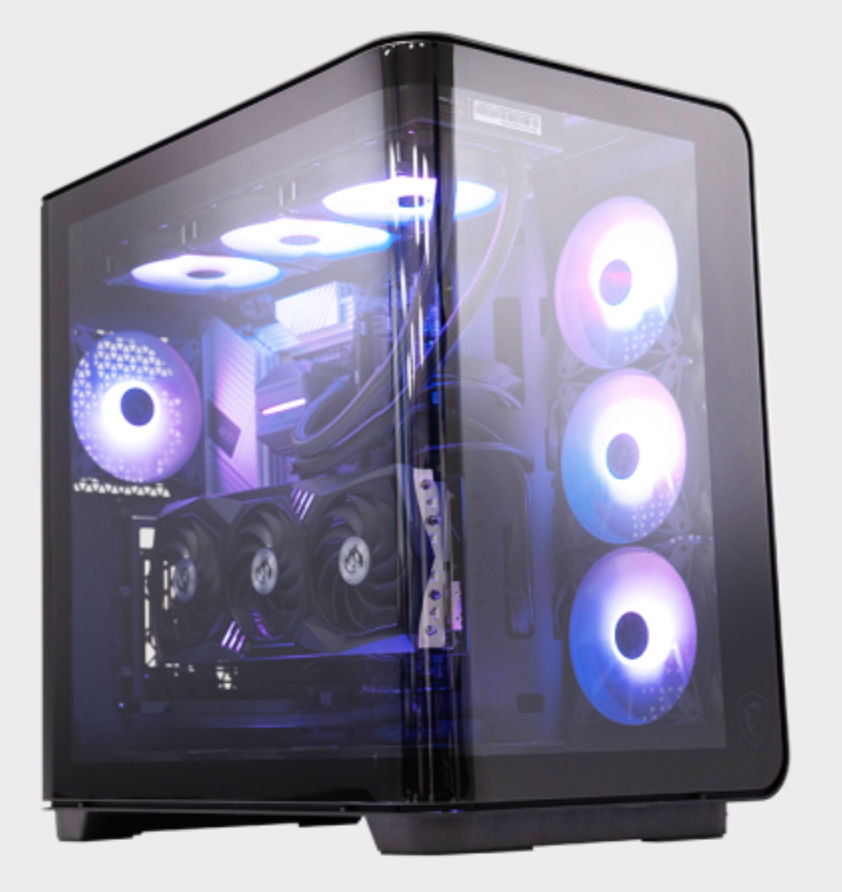
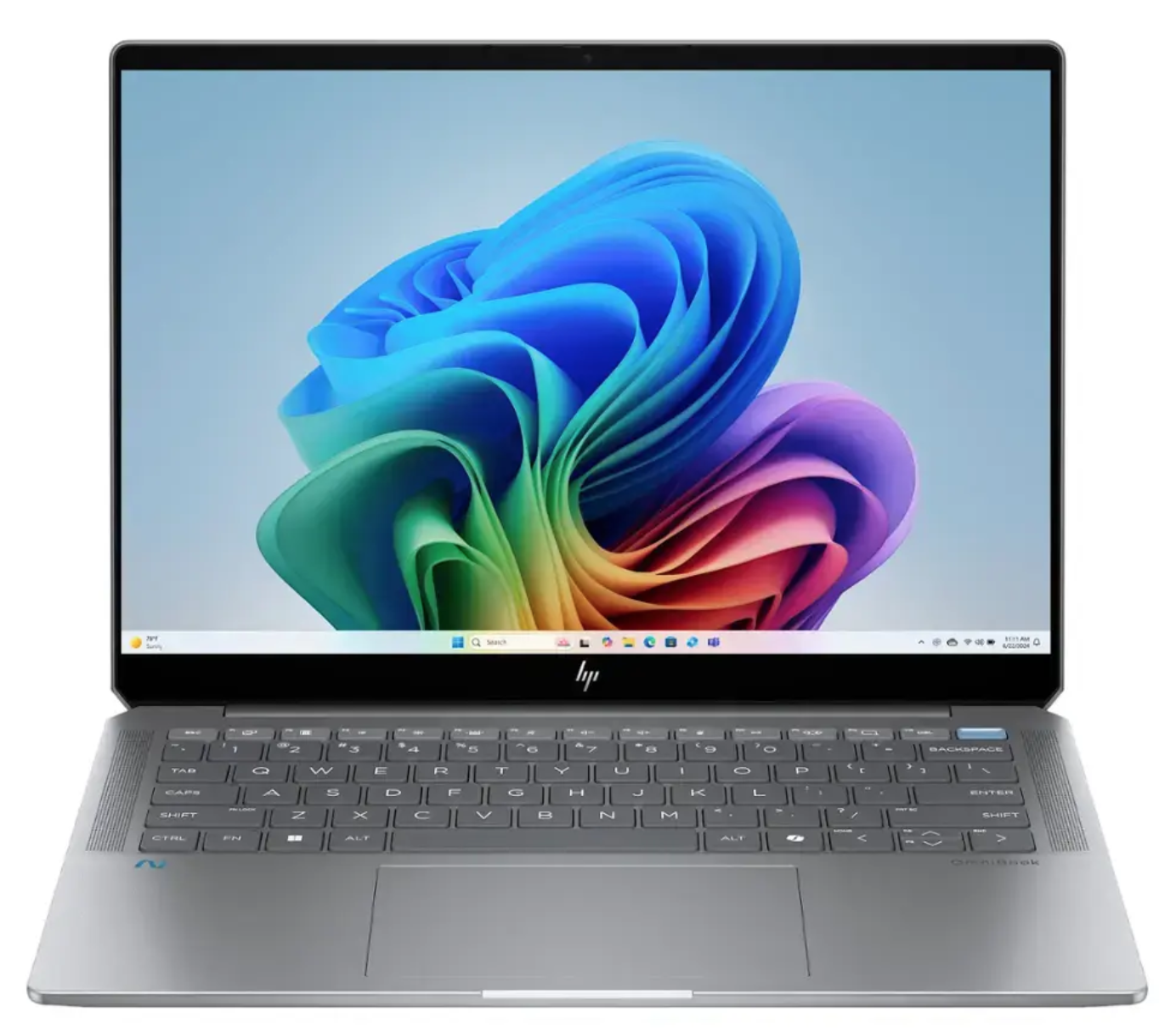
Services & Pricing
Job-Based Pricing
Many jobs have set pricing, such as hard drive upgrades or replacement, system backups & updates and memory upgrades. It's often dependent on the type of device and the difficulty of accessing internal parts. Some upgrades require a near-complete disassembly to add a new device or part or repair an internal component, such as the logic board, I/O board or adding or upgrading an SSD in some newer iMacs.
Before I start you will know your pricing wherever possible and if there's a change you will also know that and approve the change before I continue working on your device. Job-based pricing keeps costs lower by ignoring the time it takes on some projects in case there's a problem and focuses on the task and not the time. My focus is always on the best job possible for a fair price.
Hourly Pricing
$60/Hr for all subsequent hours.
This includes labor, research or training.
Flexible Pricing
Not every situation falls under an hourly model. Things like SSD upgrades, processor or logic board repairs, drive format and system restores or data recovery can often be more fairly approached with a fixed price. Priced what it should cost in the market and not how long it takes me every time I do it. I'll consult with you on the best pricing approach before we get started. If you have a question about Job-Based Pricing, please contact me.
Upgrade Options: SSD vs HDD Shootout
One of the best things you can do for an aging computer is to replace the Hard Disk Drive with a new fast SSD (Solid State Drive). Hard Drives are in all Macs until the 2nd generation MacBook Air, mid-2012 in MacBook Pros and Apple sold both Mac Minis and iMacs with hard drives through 2017. If your Mac is older than 2018, there's a possibility it was configured with an old, slow HDD (Hard Disk Drive). Replacing a SATA HDD with a SATA SSD will show a 3x to 5x improvement in performance. It's essentially like getting a new Mac for about 1/4 the cost or less depending on model.
Even the vaunted MacBook Air which has had an SSD since it's 2nd model in 2008 has a slower SSD which can be upgraded with more storage and faster performance (about 2.3X faster) with a modern M.2 NVME SSD via an adapter. Same for the older model MacBook Pro with replaceable SSDs. The video below shows you how much faster your "new" old Mac will boot with a SATA SSD installed in it.
Location
WWWEBBIT.COM CUSTOMER TESTIMONIALS
Service Starts Here
Reach Out
My Info
WWWebbIT.com Office
736 Ponce de Leon Ter NE
Atlanta, GA 30306
Text or Call
404-692-2618 (Office 24/7)
For questions about my services please call or text me at 404-692-2618. You will reach my company voicemail. Please leave a message with your question or request. Also please leave your email address and I'll return your call or text, usually on the same day. I primarily communicate via text and email, but follow up with calls as needed. Thanks!
Options to Pay
I take credit cards via my Stripe Pay Portal. I also take Zelle, Venmo, Apple Pay, cash or checks. Text or email me with any questions.
Thank you!

“Pooh," said Rabbit kindly, "you haven't any brain." "I know," said Pooh humbly.” |
Social